
What Internet Speed Do You Need for IPTV in 2026? Complete Guide
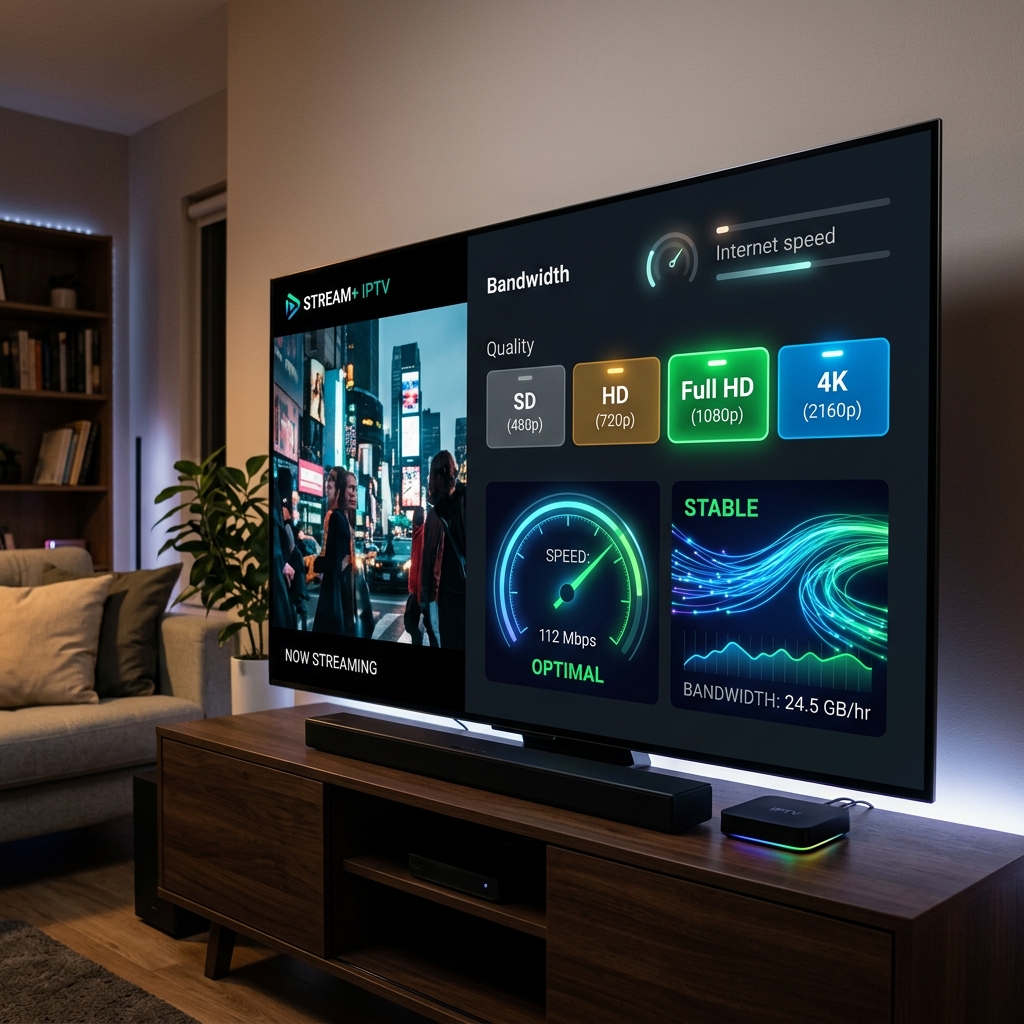
"What internet speed do I need for IPTV?" is one of the most common questions new users ask before setting up their streaming service.
There is a common misconception that IPTV requires a massive, expensive gigabit internet package just to function. In reality, the required connection depends heavily on the stream resolution, video bitrate, network stability, Wi-Fi quality, device performance, and the number of simultaneous users in your household.
Advertised internet speed is not the only factor. A stable, lower-speed connection will often outperform an unstable, high-speed connection when it comes to live broadcasting.
In this guide, we will break down exactly what internet speed you need for SD, HD, Full HD, and 4K IPTV, and how to optimize your network for seamless viewing with Starshare IPTV.
🚀 Upgrade to Premium Starshare IPTV!
Enjoy crystal-clear 4K and Full HD streams with reliable uptime and minimal buffering. Experience the future of television today with Starshare IPTV.
Quick Answer: How Much Internet Speed Does IPTV Need?
Here is a practical, quick-reference table for the recommended download speeds based on stream resolution.
| IPTV Quality | Recommended Download Speed |
|---|---|
| SD | 5 Mbps+ |
| HD | 10 Mbps+ |
| Full HD | 15 Mbps+ |
| 4K | 25 Mbps+ |
Important Note: These are practical recommendations, not universal technical requirements. Actual bitrates vary significantly between different channels and streams.
Furthermore, having a 100 Mbps connection does not guarantee perfect IPTV playback if the connection is unstable, suffering from packet loss, or bottlenecked by poor Wi-Fi.
Is Download Speed the Only Thing That Matters for IPTV?
Absolutely not. While download speed determines the maximum amount of data your connection can receive per second, other factors dictate how smoothly that data arrives.
- Download speed: The volume of data received per second.
- Upload speed: Usually less important for downloading streams, but crucial for sending requests.
- Latency (Ping): The time it takes for a request to travel to the server and back.
- Jitter: The variation in latency over time. High jitter means packets arrive unpredictably.
- Packet loss: When data packets fail to reach their destination, causing the video to skip or buffer.
- Connection stability: The overall consistency of the network.
A stable 30 Mbps connection can often provide a far better streaming experience than an unstable 100 Mbps connection that constantly drops packets.
How Much Bandwidth Does IPTV Actually Use?
IPTV bandwidth consumption is not a fixed number. It depends heavily on:
- Resolution: 4K uses significantly more data than HD.
- Video bitrate: The level of compression applied to the video.
- Codec: Modern codecs like HEVC (H.265) are more efficient than older ones (H.264).
- Audio: High-quality surround sound adds to the bandwidth.
- Live event dynamics: Fast-moving sports require higher bitrates to maintain clarity compared to a static news broadcast.
This is why two "HD" streams from different sources can consume entirely different amounts of bandwidth.
Internet Speed for HD IPTV
For standard High Definition (720p or highly compressed 1080i), a stable connection of 10 Mbps or higher is generally recommended.
Having extra bandwidth beyond the minimum is incredibly useful. It acts as a buffer against network fluctuations and allows other household devices (like smartphones checking social media) to operate without instantly choking the IPTV stream.
If your Wi-Fi is unstable, even an HD stream will struggle, so ensure your device receives a strong signal.
Internet Speed for Full HD IPTV
Full HD (1080p) streams feature higher bitrates and sharper imagery than standard HD streams, requiring more continuous data.
A stable connection of 15 Mbps or higher is recommended. The additional bandwidth helps maintain picture clarity during fast motion scenes. Because the stream requires more data, network stability becomes increasingly critical. If multiple devices in your home are actively downloading or streaming, the available bandwidth for your Full HD stream can easily drop below the required threshold, causing buffering.
Internet Speed for 4K IPTV
4K (Ultra HD) offers incredible picture quality but requires significantly more sustained bandwidth than lower-resolution streams.
A highly stable connection of 25 Mbps or higher is strictly recommended. However, internet speed alone does not determine 4K playback quality. You also need:
- A capable streaming device with a strong processor and hardware decoding.
- A 4K-compatible television.
- A robust IPTV player application.
- Impeccable network stability.
Because 4K uses so much data, Wi-Fi interference can severely impact playback. Ethernet is heavily recommended for 4K streaming.
Internet speed requirements for IPTV in 2026 from HD to 4K
How Many Mbps Do You Need for IPTV on Multiple Devices?
Bandwidth requirements stack when multiple devices stream simultaneously. You must consider total household bandwidth rather than just the IPTV requirement alone.
- One IPTV stream: ~15 Mbps
- Two IPTV streams: ~30 Mbps
- IPTV + Netflix in 4K: ~40 Mbps
- IPTV + Gaming + YouTube: ~50 Mbps
- IPTV + large downloads: Can easily max out a 100 Mbps connection.
If you have a large family using the internet concurrently, your total plan speed needs to account for everyone's usage to prevent bottlenecks.
Example: Choosing an Internet Plan for an IPTV Household
Here are practical scenarios for choosing a plan:
One person, one IPTV stream
A modest broadband connection (30-50 Mbps) may be more than sufficient, provided it is stable.
Family with multiple devices
A faster connection (100-300 Mbps) provides plenty of headroom for someone to watch IPTV while others watch Netflix or play online games.
Multiple 4K streams
If you plan to run multiple 4K streams simultaneously while downloading large files, a high-speed fiber connection (500 Mbps+) and strong network infrastructure are recommended.
📺 Discover Starshare IPTV Features!
Gain access to thousands of live channels, an extensive VOD library, and excellent support. Transform your TV into the ultimate entertainment hub.
Wi-Fi vs Ethernet for IPTV
| Factor | Wi-Fi | Ethernet |
|---|---|---|
| Convenience | Excellent | Good |
| Mobility | Excellent | Limited |
| Interference | Possible | Much lower |
| Stability | Depends on environment | Usually more consistent |
| Best use | Convenient streaming | Stable fixed setup |
Ethernet is often useful for testing whether Wi-Fi is contributing to buffering. While Ethernet is not always necessary for everyone, it is the gold standard for completely eliminating wireless interference.
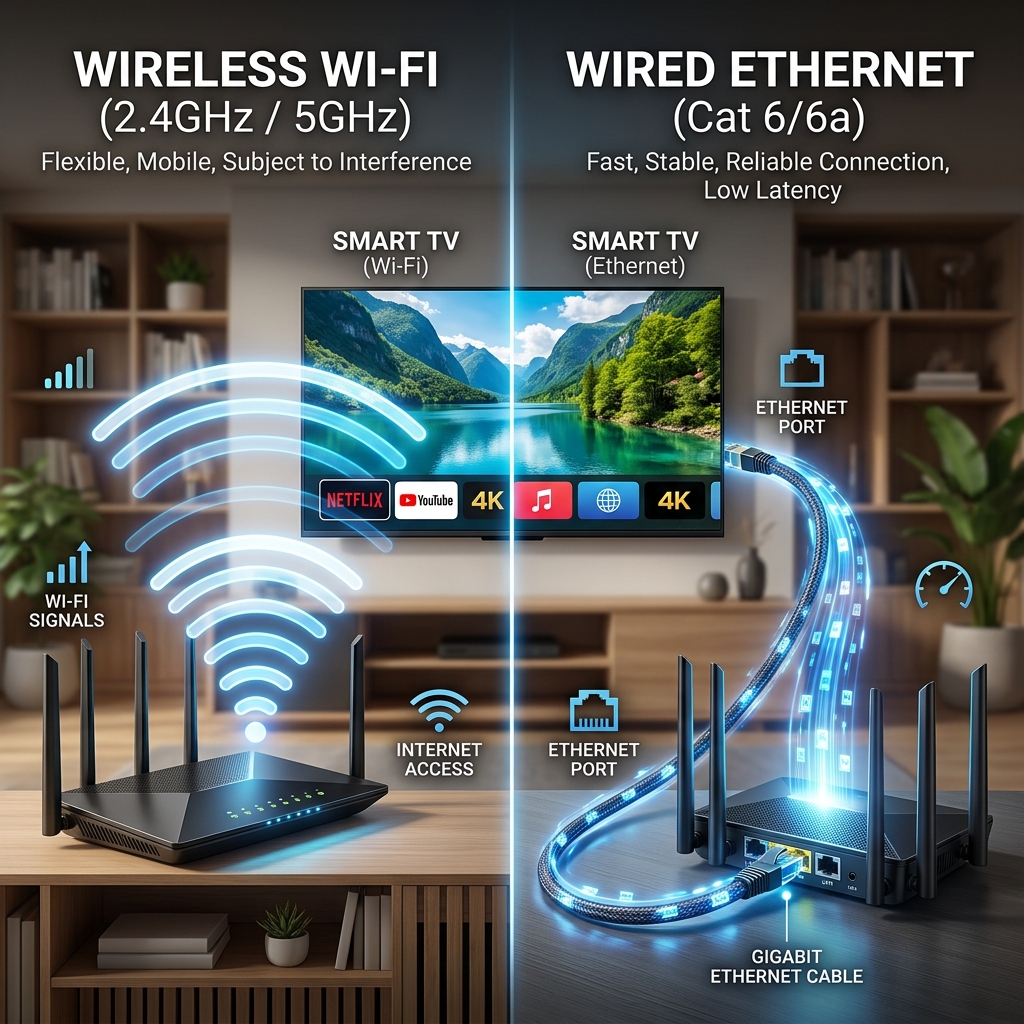 Wi-Fi vs Ethernet connection for IPTV streaming
Is 5 GHz Wi-Fi Better for IPTV?
The answer depends on your home layout.
2.4 GHz
- Better range
- More penetration through walls and floors
- More potential interference from microwaves and neighbor networks
- Slower maximum speeds
5 GHz
- Often much higher available speeds
- Usually less crowded
- Shorter range
- Highly affected by solid walls and physical obstructions
If your streaming device is in the same room as the router, 5 GHz is usually superior. If it is several rooms away, 2.4 GHz might provide a more reliable, albeit slower, connection.
Does Ping or Latency Matter for IPTV?
Latency (ping) is not usually the primary bandwidth requirement for continuous video streaming, because the video is buffered slightly ahead of playback. However, excessive latency or severe instability can contribute to connection timeouts and initial loading delays.
A high bandwidth connection with massive latency spikes will perform worse than a lower bandwidth connection with a tight, stable ping. Low ping does not automatically guarantee smooth IPTV, but it indicates a healthy connection.
What Is Jitter and Why Does It Matter?
Think of jitter like cars driving on a highway. If all cars maintain a steady distance and speed, traffic flows smoothly (low jitter). If cars are constantly speeding up, slowing down, and braking unpredictably, traffic jams occur (high jitter).
Inconsistent packet delivery (high jitter) disrupts the steady flow of data required for real-time video streaming, leading directly to buffering as the player waits for delayed data packets.
Can Packet Loss Cause IPTV Buffering?
Packet loss occurs when data sent from the server never reaches your device.
It can be caused by:
- Wi-Fi interference
- Severe network congestion
- Faulty router hardware
- ISP routing issues
Packet loss will cause IPTV to stutter, buffer, or skip frames, even if a speed test simultaneously reports a high download speed.
How to Test Your Internet Speed for IPTV
Follow this practical procedure:
- Stop all unnecessary downloads in the house.
- Close other streaming applications.
- Run the speed test near or on the actual IPTV device.
- Record the download speed.
- Record the upload speed.
- Check ping and latency.
- Crucial: Test again during the exact time your IPTV normally buffers (e.g., 8 PM).
- Compare daytime and evening results to identify congestion.
- If possible, test with an Ethernet cable to rule out Wi-Fi issues.
- Compare the results to determine the bottleneck.
Remember, one single speed test is not enough to diagnose every intermittent network issue.
My Internet Is Fast but IPTV Still Buffers — Why?
This is incredibly common. If your speed test shows 200 Mbps but your IPTV stream is stuck loading, the problem is likely one of the following:
- Severe Wi-Fi instability or interference
- Hidden packet loss
- Router overheating or memory leaks
- Localized ISP network congestion
- Low device performance (lack of RAM/processing power)
- An outdated or poorly configured IPTV player
- A specific channel experiencing source problems
If you are facing this exact scenario, we highly recommend reading our dedicated guide: IPTV Buffering After a Few Minutes: Causes and Solutions.
Can Your IPTV Device Affect Streaming?
Internet speed is only one part of the ecosystem. A capable connection cannot compensate for severely limited hardware.
Older Smart TVs, early Firesticks, and cheap generic Android TV boxes often lack the RAM, modern processor architecture, and storage space to decode high-bitrate video efficiently. Background applications and thermal throttling (overheating) can cause a device to freeze, mimicking a slow internet connection.
Check out our guide on the Best Devices for IPTV Streaming in 2026 for hardware recommendations.
Can Your Router Affect IPTV Speed?
Yes. An old router might struggle to manage multiple modern devices simultaneously.
Factors to consider:
- Router age and processing power
- Wi-Fi antenna range
- Total number of connected devices
- Router placement (avoid hiding it in metal cabinets)
- Outdated firmware
- Overheating
A simple restart periodically can help, but if your router is over five years old, it might be the bottleneck in your otherwise fast network.
Can ISP Congestion Affect IPTV?
Absolutely. Internet performance can vary dramatically due to local network conditions during peak hours.
If your stream works perfectly at 10 AM but buffers constantly at 8 PM, your ISP's local node might be suffering from peak-hour congestion as everyone in your neighborhood streams video. Compare daytime and evening speed tests to verify this.
Does a VPN Make IPTV Faster?
A VPN is not a universal solution for IPTV buffering.
A VPN encrypts your traffic and routes it through an external server. This can sometimes improve performance by bypassing localized ISP throttling or bad routing nodes. However, it can also worsen performance by adding extra distance and encryption overhead to the connection.
If you test a VPN, always compare the stream without the VPN versus with the VPN under the exact same conditions to see if it actually helps your specific situation.
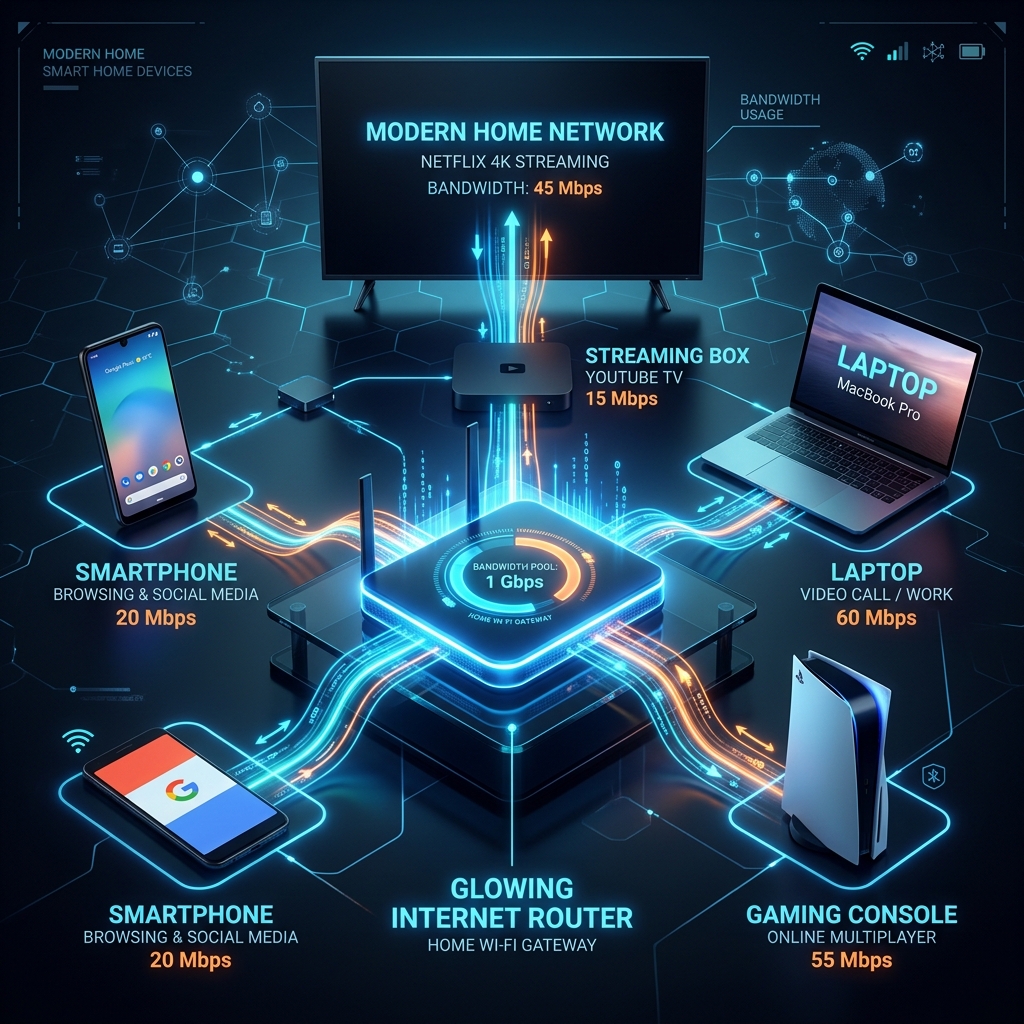 IPTV bandwidth shared across multiple devices on a home network
Internet Speed Recommendations for Starshare IPTV
For users of the Starshare IPTV service, we recommend ensuring your connection meets the practical ranges discussed above.
Consider your stream resolution, total household usage, Wi-Fi quality, and device capability. If multiple people are streaming in your home, ensure your overall internet plan provides enough headroom for everyone.
A stable connection will allow you to enjoy our extensive channel lineup seamlessly. If you run into issues, try optimizing your network first before assuming the stream is offline.
10 Ways to Improve Your IPTV Streaming Connection
- Use an Ethernet cable when convenient for ultimate stability.
- Move the router to a central, elevated location.
- Reduce unnecessary heavy network usage while streaming live sports.
- Restart the router periodically when troubleshooting.
- Keep your router firmware updated.
- Use the 5 GHz Wi-Fi band if you are close to the router, or 2.4 GHz if you are far away.
- Keep your streaming device and IPTV application updated.
- Close unnecessary background applications on your streaming device.
- Avoid placing the router behind solid walls, metal objects, or microwaves.
- Test the connection during the actual buffering period to identify peak-hour issues.
What Internet Speed Is Right for You?
One IPTV stream in HD
→ A modest stable connection (15-30 Mbps) may be enough.
One Full HD stream
→ More bandwidth (30-50 Mbps) provides additional headroom for stability.
One 4K stream
→ A stronger connection (50+ Mbps) and robust network hardware is recommended.
Multiple simultaneous streams
→ Consider the combined bandwidth requirements (100+ Mbps).
IPTV + multiple household users
→ Choose a high-speed internet plan (200+ Mbps) with enough headroom for all activities to prevent bottlenecks.
Final Thoughts
IPTV does not require a gigabit internet connection, nor does it require the exact same speed for every quality level. HD requires significantly less bandwidth than 4K, and raw speed is useless without network stability.
Variables like Wi-Fi interference, multiple simultaneous household devices, latency, jitter, and packet loss all play massive roles in your streaming experience. A fast internet plan does not automatically guarantee perfect streaming if your local hardware is holding you back.
By understanding what internet speed you actually need, you can optimize your network and enjoy everything your Starshare IPTV service has to offer without the frustration of constant buffering.
Related Articles:
- IPTV Buffering After a Few Minutes: Causes and Solutions
- IPTV Channels Not Loading: Causes and Step-by-Step Fixes
- IPTV Connection Timeout: Causes and How to Fix It
- IPTV Not Working: 20 Things to Check Before Contacting Your Provider
- IPTV Has Sound but No Picture: Complete Troubleshooting Guide
- IPTV vs Streaming Services: What’s the Difference in 2026?